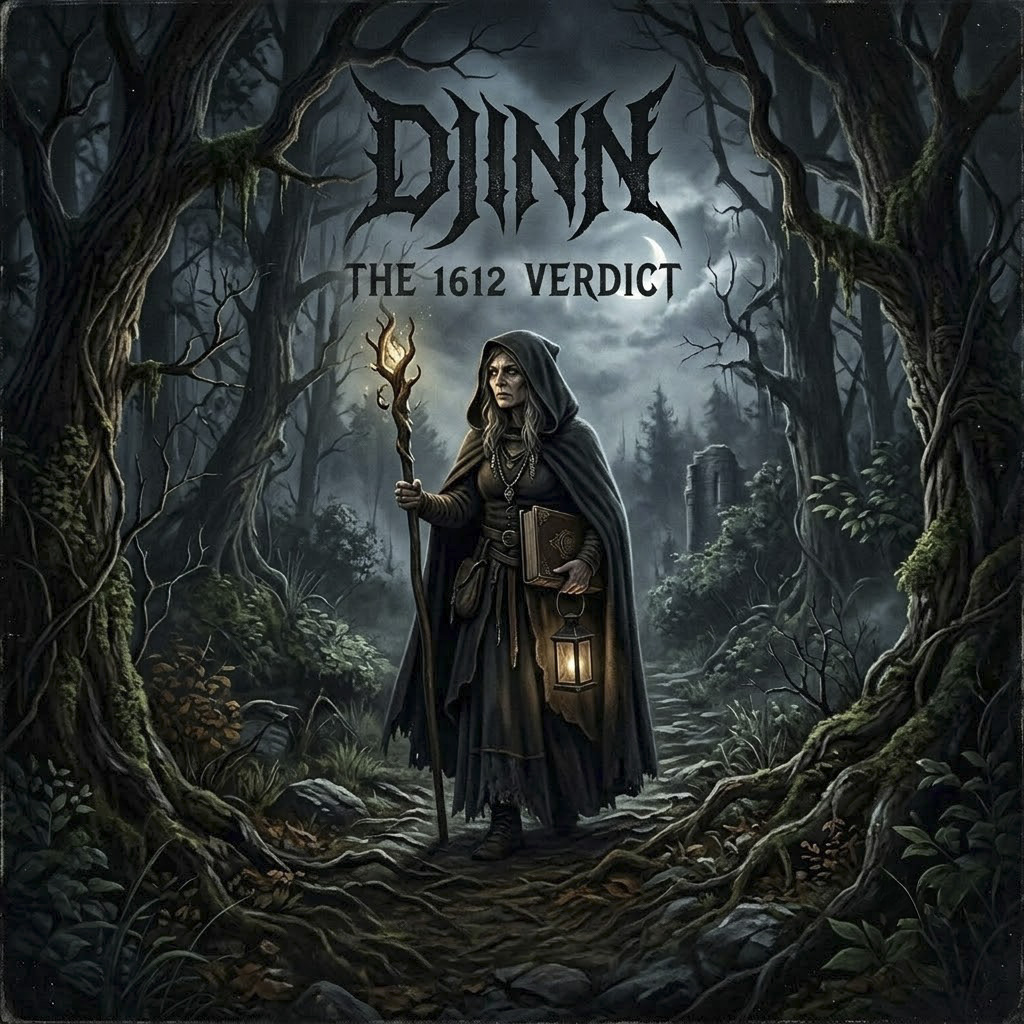
On the decks
AI Music
New tracks, played the way they were built to be heard, straight off a set of 1210s.
TechnicsSL‑1210MK2 · DECK A
Quartz Lock
djinn
MAX
MIN
GAIN
+8
-8
TEMPO
No track
0.0BPM+0.0%
33
45
djinn MIXERDJM‑900
CH A
Hi
Mid
Low
Trim
not synced
CH B
Hi
Mid
Low
Trim
ACross FaderB
TechnicsSL‑1210MK2 · DECK B
Quartz Lock
djinn
MAX
MIN
GAIN
+8
-8
TEMPO
No track
0.0BPM+0.0%
33
45
Drag a track from the list below onto either deck to load it, or tap a track's handle to choose a deck. The GAIN fader and the mixer knob set each deck's own volume, and the TEMPO fader changes its speed. Tap + on any track to add it to the queue. Autoplay follows your queue in order once you have picked at least one track, otherwise it plays straight through the full list. Switch on Automix for an early crossfade between tracks, in the way a DJ would.
0:00
0:00
Releases
1
 Drum n Bass
Drum n Bass
2
 Drum n Bass
Drum n Bass
3
 Drum n Bass
Drum n Bass
4
 Drum n Bass
Drum n Bass
5
 Drum n Bass
Drum n Bass
6
 Drum n Bass
Drum n Bass
7
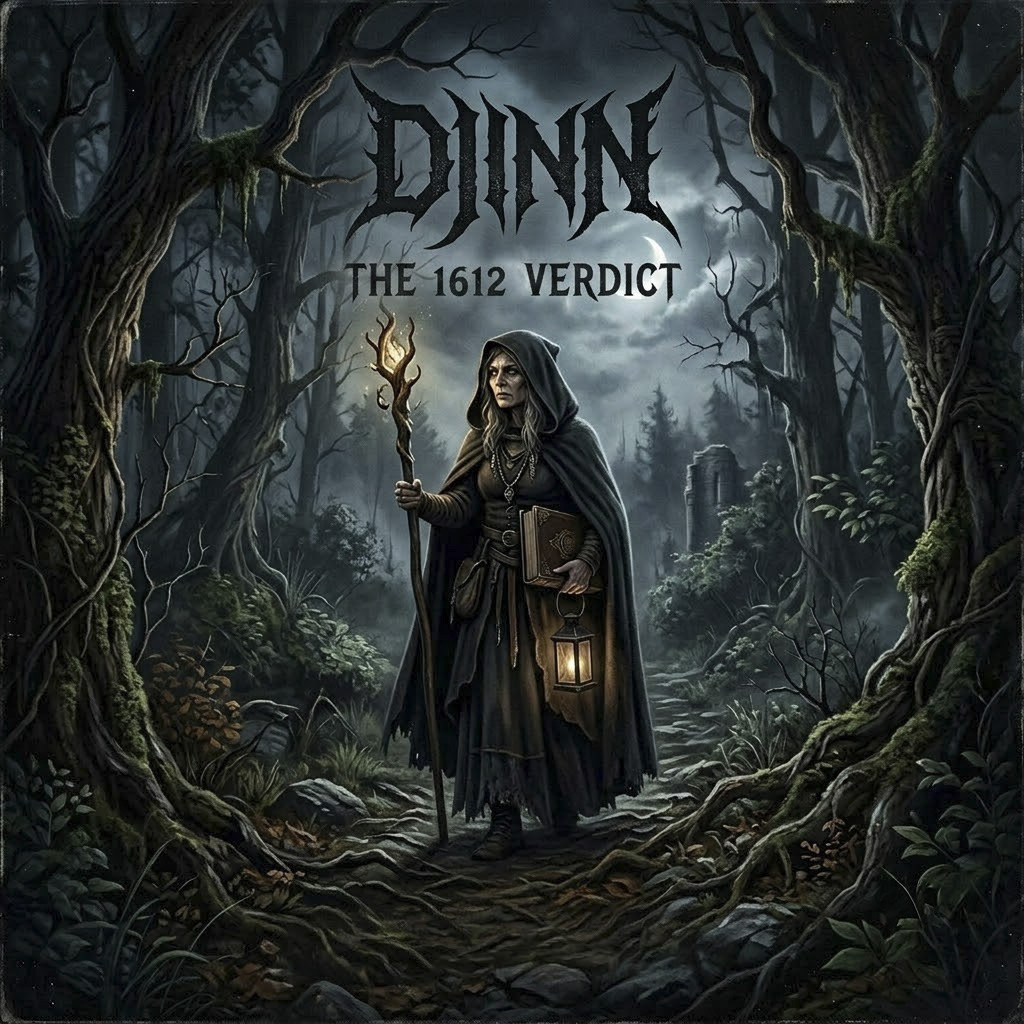 Drum n Bass
Drum n Bass
8
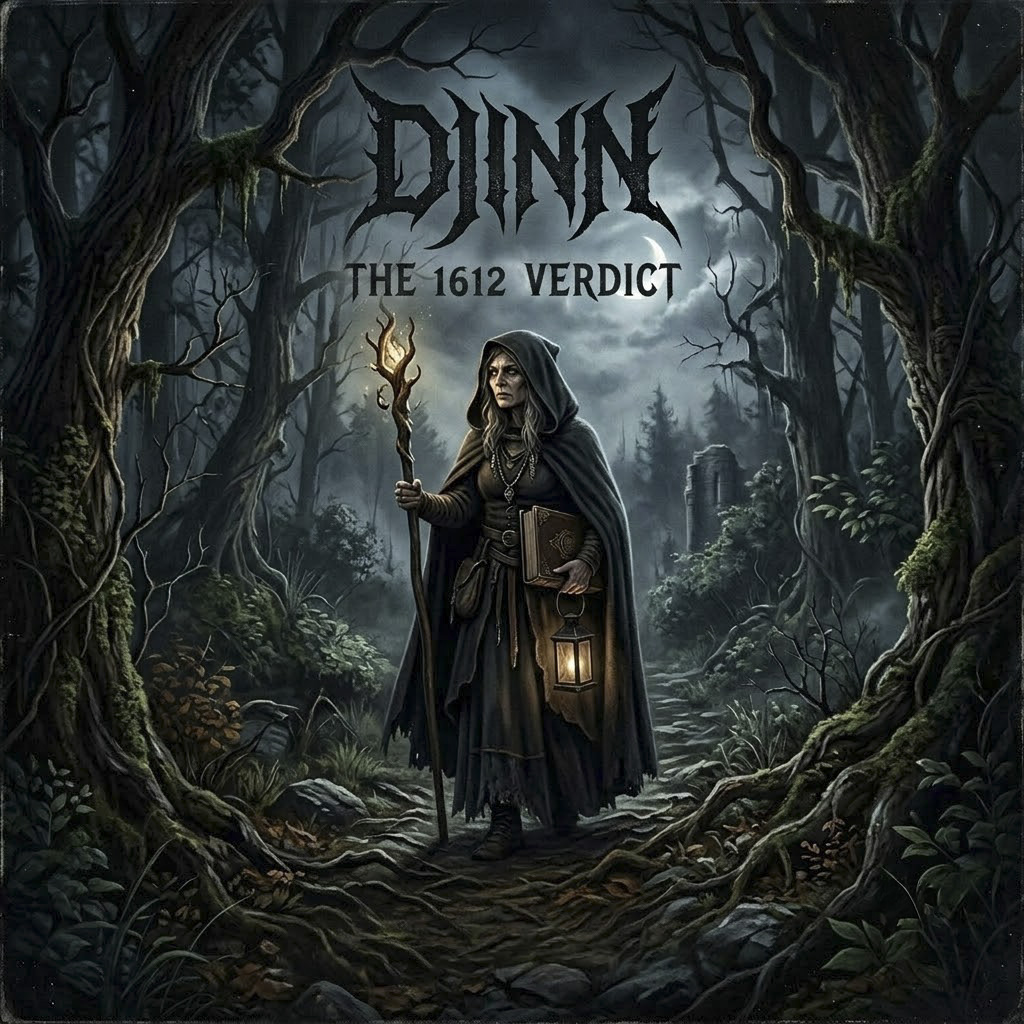 Drum n Bass
Drum n Bass
9
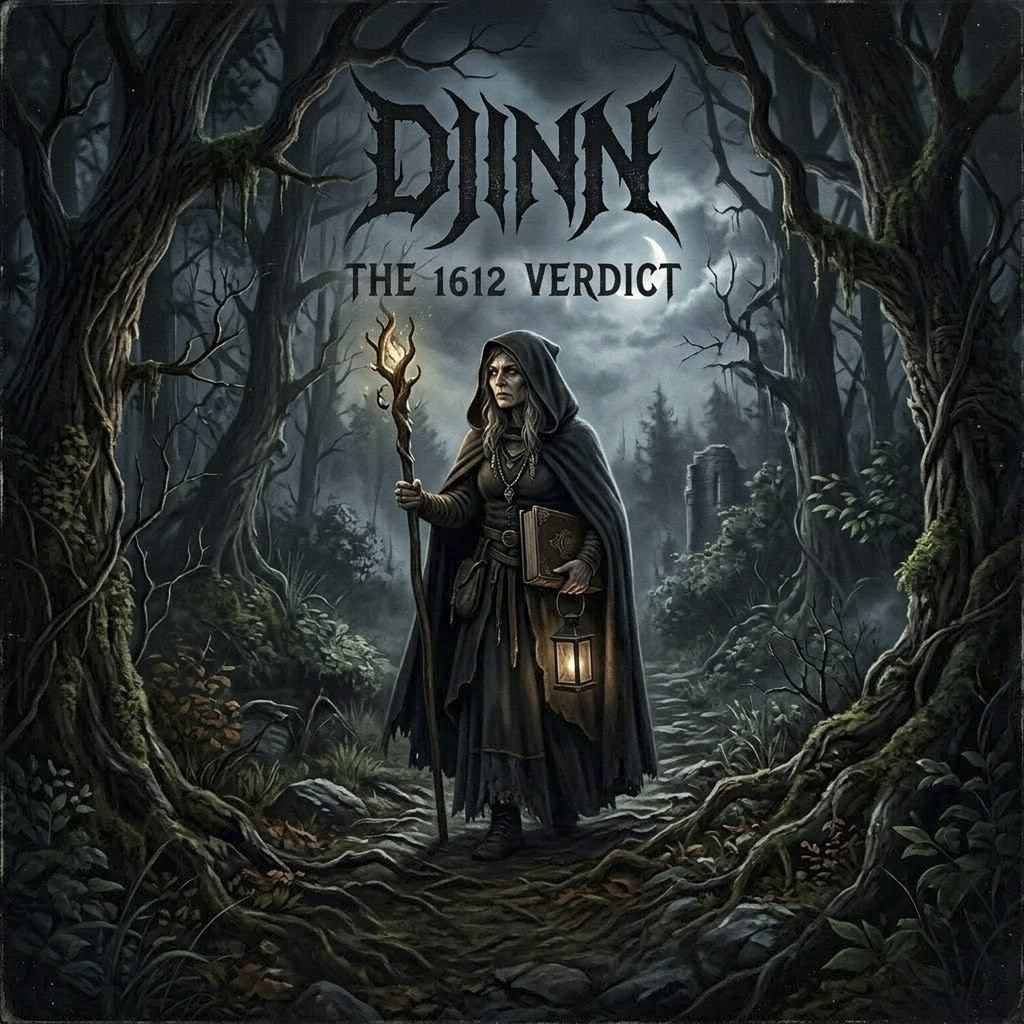 Drum n Bass
Drum n Bass
10
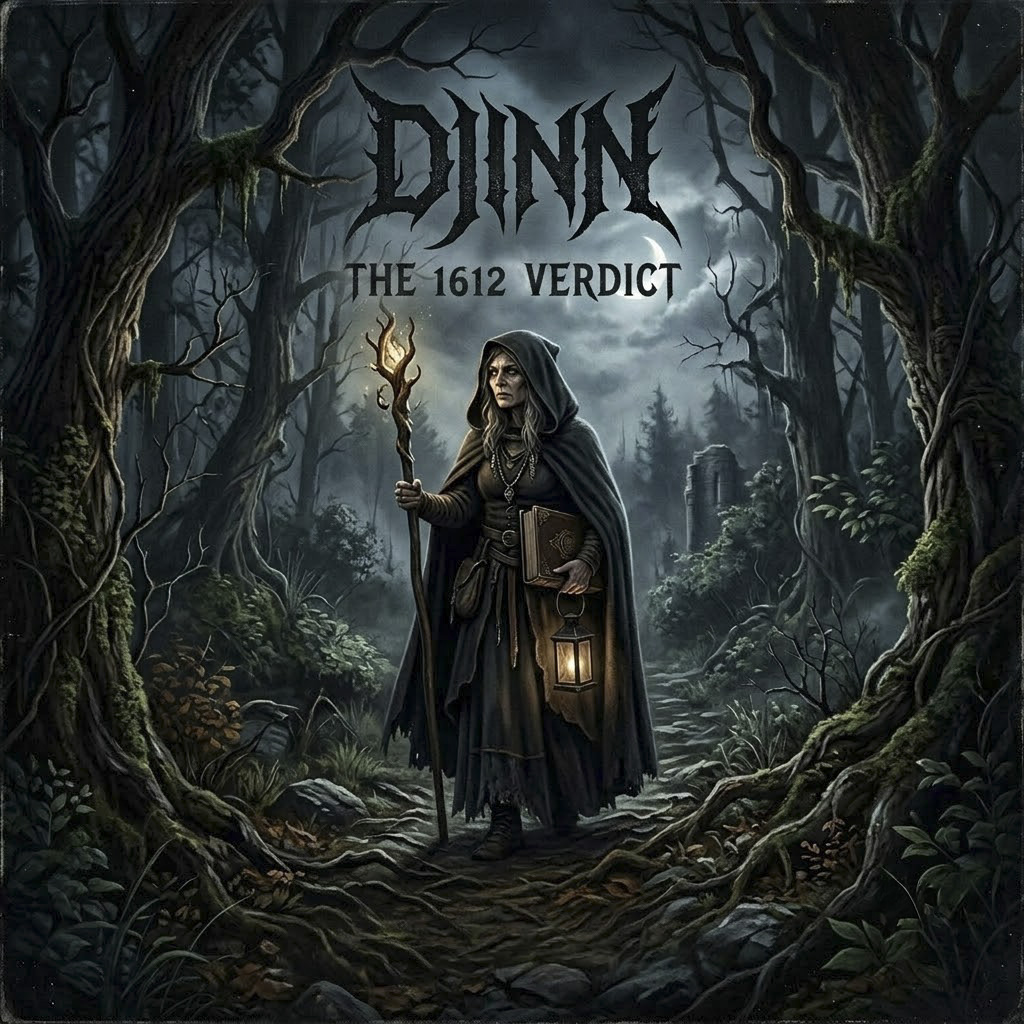 Drum n Bass
Drum n Bass
11
 Drum n Bass
Drum n Bass
12
 Drum n Bass
Drum n Bass